
- PHONE CASE
- SUBLIMATION BLANKS
SUBLIMATION BLANKS

- SUBLIMATION SUPPLIES
SUBLIMATIONS
SUPPLIES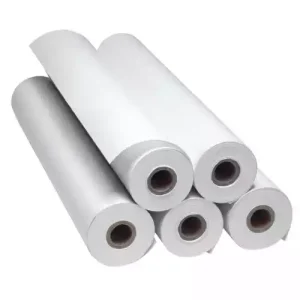
- SUBLIMATION PRINTERS
SUBLIMATION PRINTERS

- DIRECT TO FILM (DTF)
DIRECT TO FILM (DTF)
- HEAT PRESS
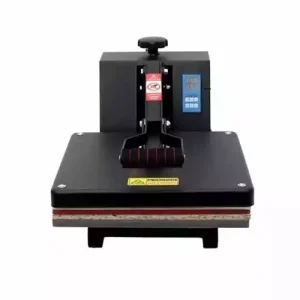
HEAT PRESS
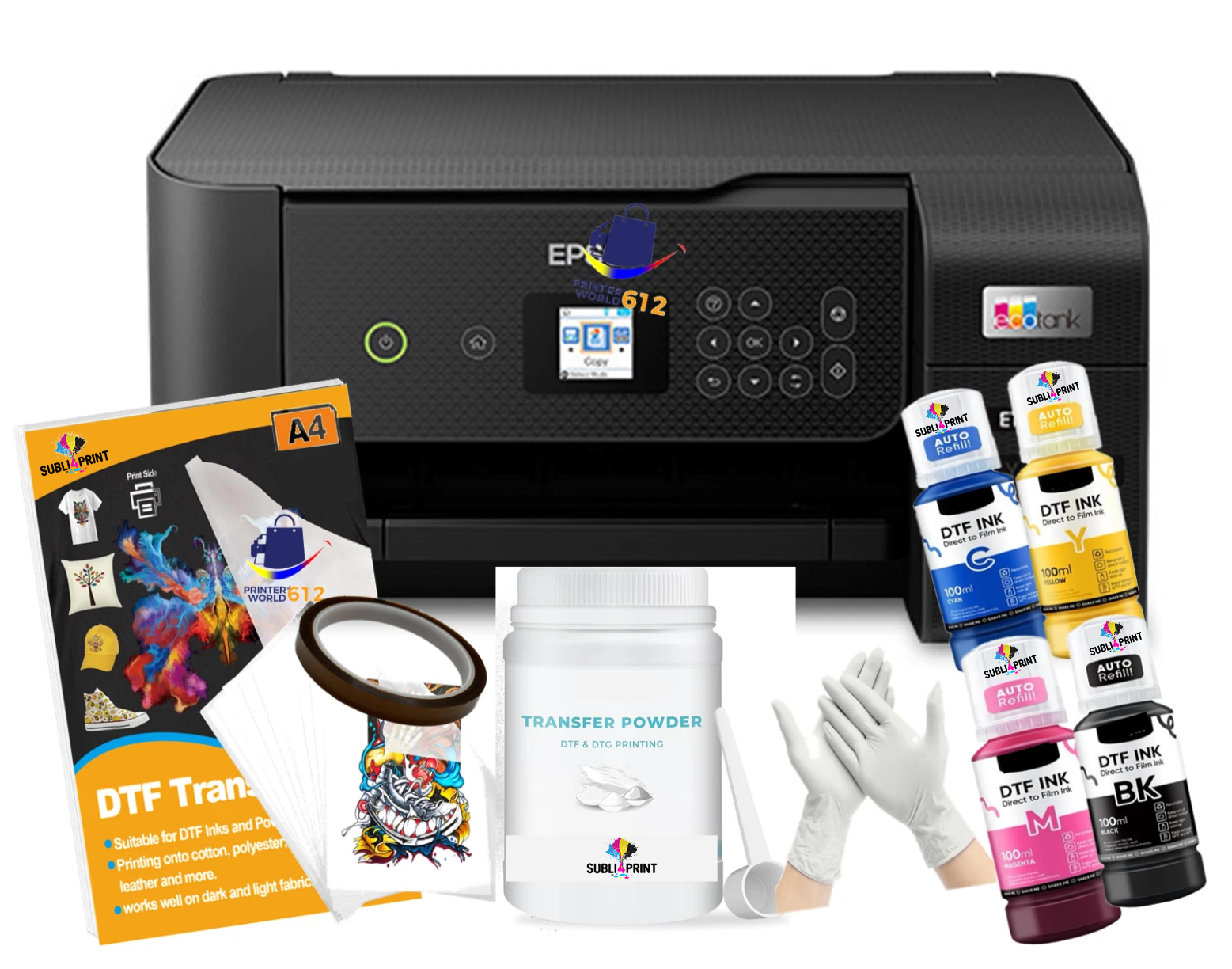


DTF – Direct To Film Conversion Kit for Epson Ecotank Printer
- Everything you need to convert a conventional Epson Ecotank L805 (A4) or Ecotank L1800 (A3) printer to a direct to film printer is included in our DTF conversion kit.
£144.99 Exc. VAT
Out of stock
Categories DTF ACCESSORIES, DTF CONVERSION KIT, ECOTANK L1800 KIT
Description
Everything you need to convert a conventional Epson Ecotank L805 (A4) or Ecotank L1800 (A3) printer to a direct to film printer is included in our DTF conversion kit.
The set contains:
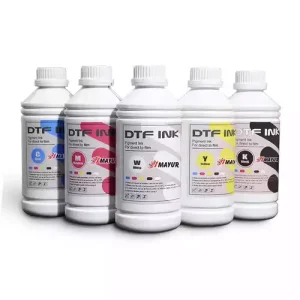
DTF’ inks (6 x 100ml; CMYK + 2xW)
500g of “DTF” PET film powder, 50 sheets of DTF’ PET film media, and a DTF’ output film tray
*Ecotank L805 kit comes with A4-sized paper; Ecotank L1800 kit comes with A3-sized paper.DTF ink and powder are safe to use on children’s clothing and toys because they have EN71-3 certification.
PLEASE NOTE:
The extra supplies needed for DTF printing are included in this kit. Removal of the pin wheel and output paper rollers from the printer is necessary in order to avoid marking the PET film when printing. Additionally needed for ink channel selection and white ink printing is RIP software like Acrorip.
It is strongly advised to use a brand-new printer for conversion (one that has never had ink installed), as the white ink channels can be readily contaminated by the old coloured inks.
A unique or dedicated printer, DTF inks, DTF powder, PET film, and RIP software are needed for Direct to Film (DTF) printing.
- DTF Printer – commonly a DTF printer is produced by converting a standard Epson inkjet printer. Original Equipment Manufacture (OEM) printers are also available but these are extremely costly. A converted printer offers a much cheaper method of entering the DTF printing market.
- DTF Ink – direct to film inks are specific for the printing method. They are opaque pigment based inks available in cyan, magenta, yellow, black and white. These inks are designed to print on to PET film media and offer excellent water and wash resistance.
- PET Film Media: As the name implies, direct-to-film printers print on film media. Polyethylene Terephthalate, a type of plastic, is used to create PET film media. To enable the printing of the pigments onto the film sheet, the media has a matte coating applied to one side.
A polymer powder is applied to the printed PET film sheet in the form of DTF Adhesion Powder. The ink is still wet after printing. The powder sticks to the wet ink and any inked-over regions of the PET film. A heat source, such as a convection oven, heat press, or heat gun, is then used to melt or cure the powder. We advise employing a heat gun. - RIP Software – The printer cannot print in full colour with a white ink background without RIP software, such as Acrorip. The use of RIP software is required for DTF printing. Because of its straightforward setup and user interface, we suggest Acrorip.
| Weight | 13 kg |
|---|---|
| Dimensions | 45 × 45 × 35 cm |
Only logged in customers who have purchased this product may leave a review.
Reviews
There are no reviews yet.