


Description
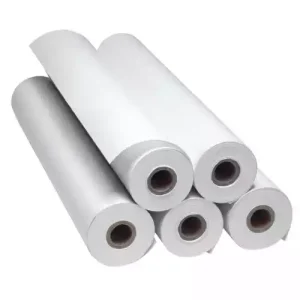
DTF’ direct to film finishing sheets.
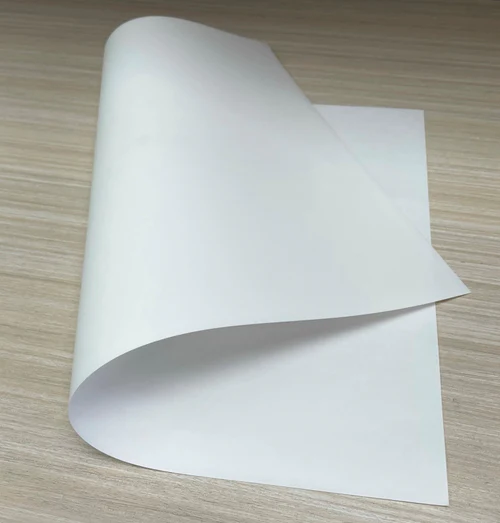
A greaseproof paper sheet designed for applying to peeled DTF transfer prints when pressing for the second / final time.
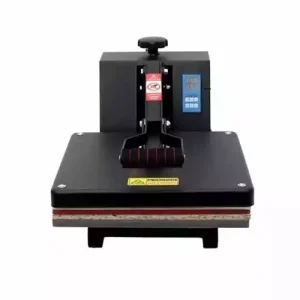
A DTF transfer print is initially pressed to a garment at 160c (Celsius) for 30 seconds. After allowing to cool for 90 seconds the PET film media is peeled to leave the transferred image on the garment. The transfer image is then pressed for a second time covered by a finishing sheet at 160c (Celsius) for 10 seconds to complete the transfer process.
Available in a two sizes:
- Extra-large A4 (350 x 225mm)
Extra-large A3 (450 x 350mm)
A unique or dedicated printer, DTF inks, DTF powder, PET film, and RIP software are needed for Direct to Film (DTF) printing.
DTF Printer – Typically, a conventional Epson inkjet printer is converted to create a DTF printer. There are other Original Equipment Manufacture (OEM) printers available, but they are very expensive. A converted printer provides a significantly less expensive way to enter the DTF printing business.
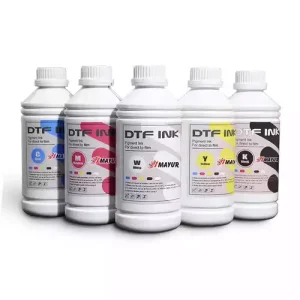
Direct to film (DTF) inks are designed specifically for this printing technique. These inks, which come in cyan, magenta, yellow, black, and white, are opaque pigment-based inks. These inks have good water and wash resistance and are made to print on PET film media.
- PET Film Media: As the name implies, direct-to-film printers print on film media. Polyethylene Terephthalate, a type of plastic, is used to create PET film media. To enable the printing of the inks onto the film sheet, the media has a matte coating applied to one side.
A polymer powder is applied to the printed PET film sheet in the form of DTF Adhesion Powder. The ink is still wet after printing. The powder sticks to the wet ink and any inked-over regions of the PET film. A heat source, such as a convection oven, heat press, or heat gun, is then used to melt or cure the powder. We advise employing a heat gun. - RIP Software – The printer cannot print in full colour with a white ink background without RIP software, such as Acrorip. The use of RIP software is required for DTF printing. Because of its straightforward setup and user interface, we suggest Acrorip.
Reviews
There are no reviews yet.